U.S.Map of Population by County
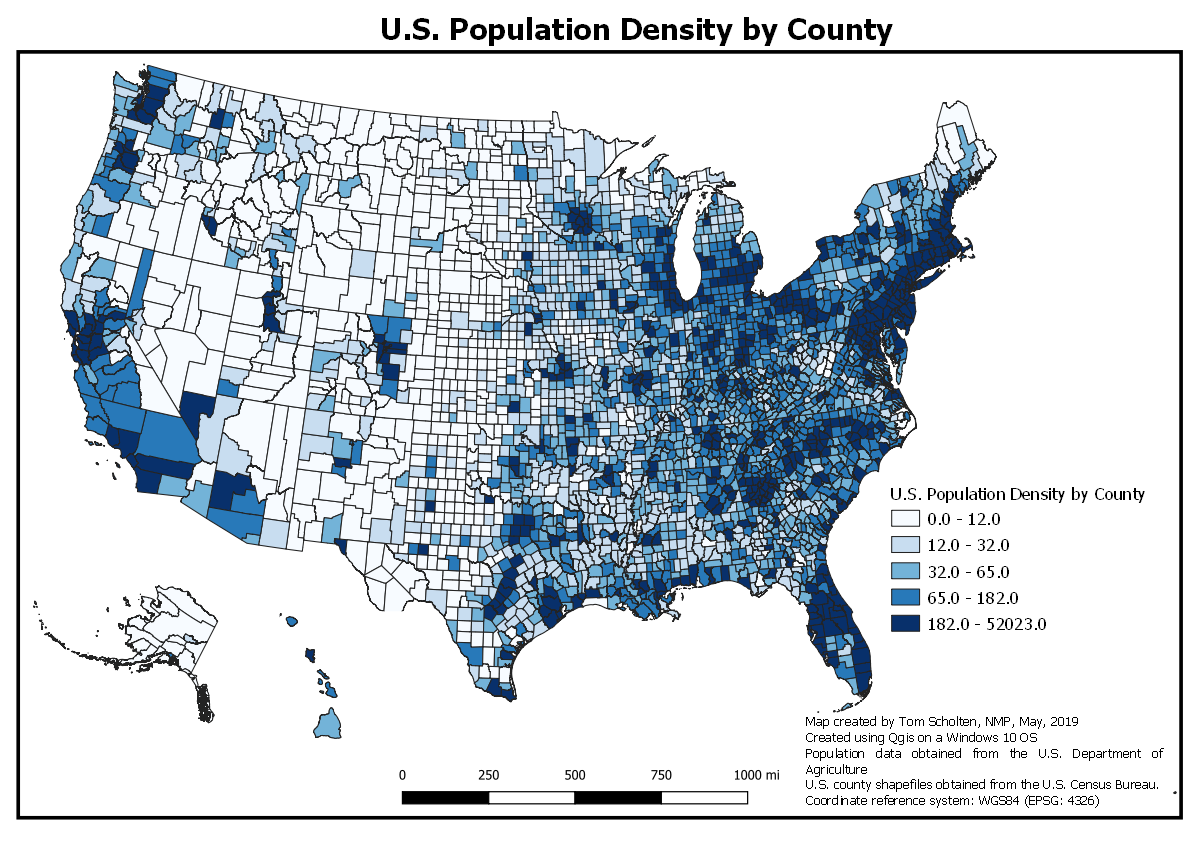
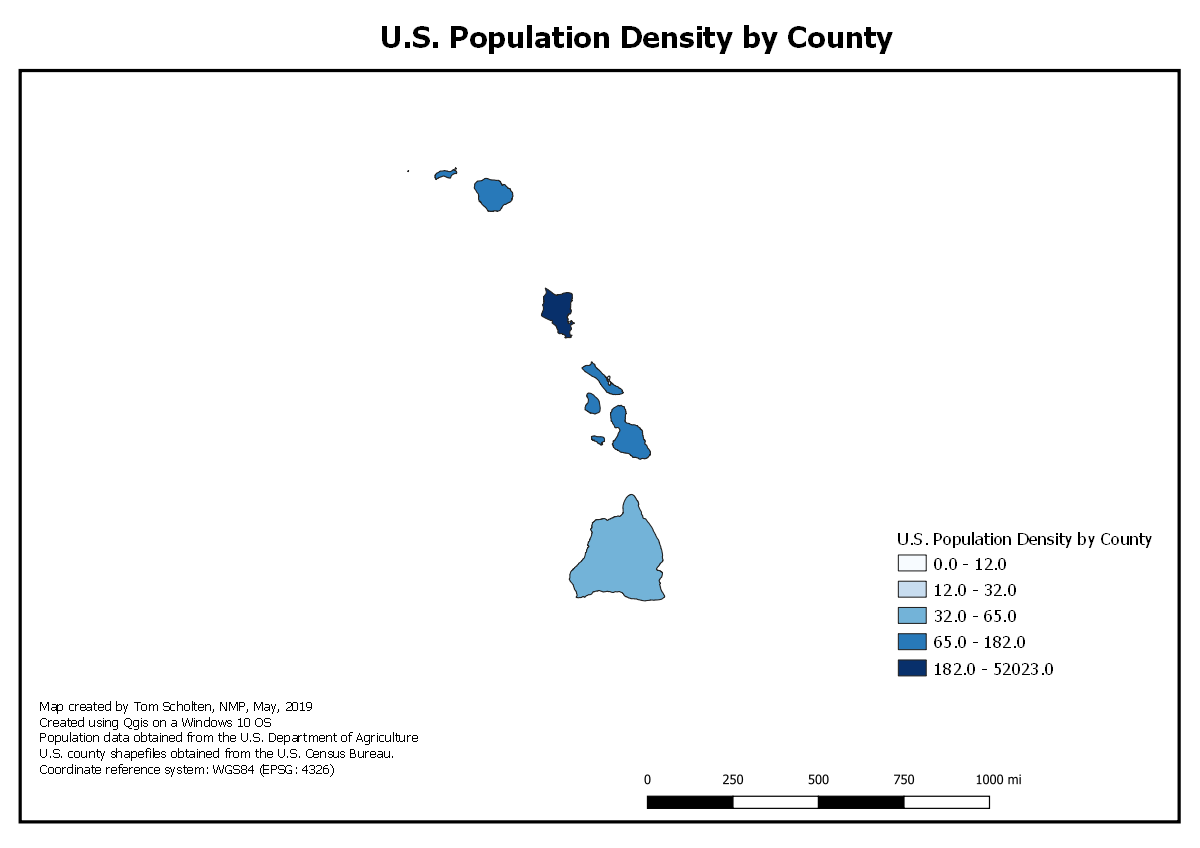
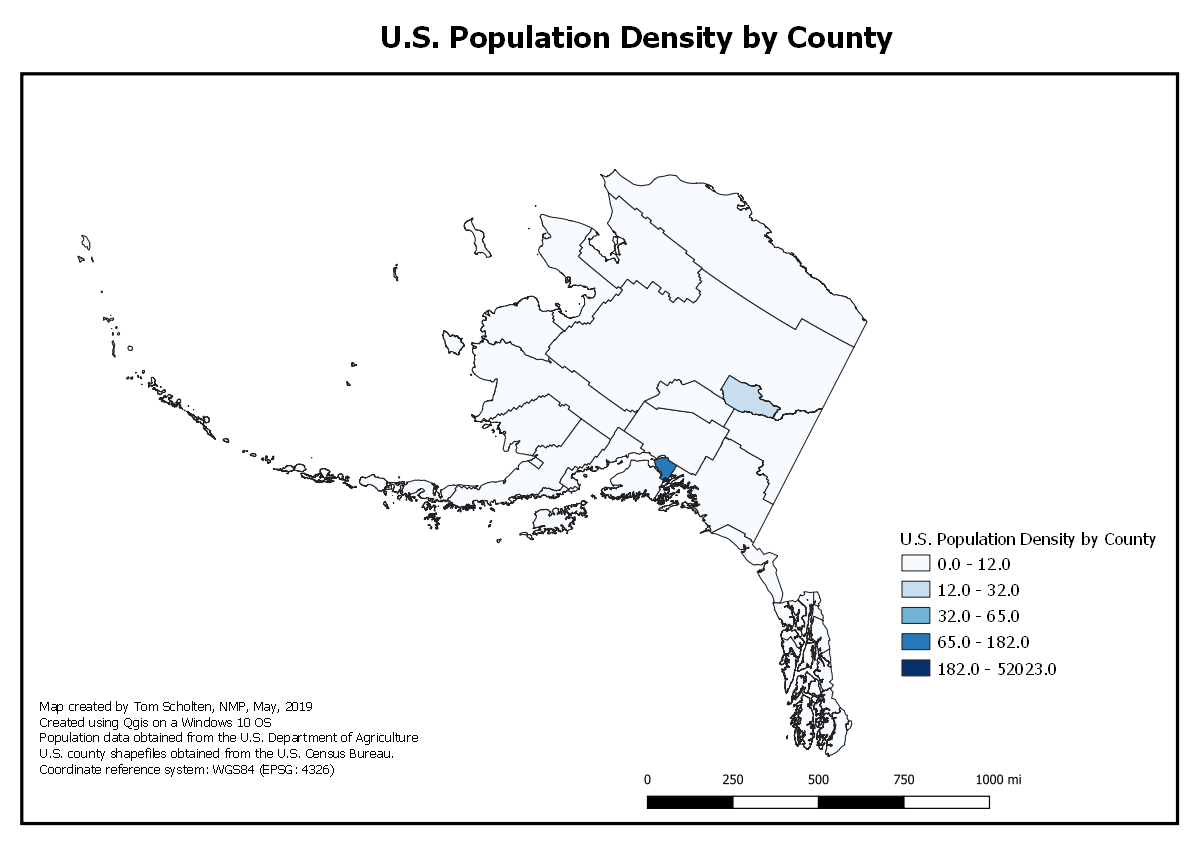
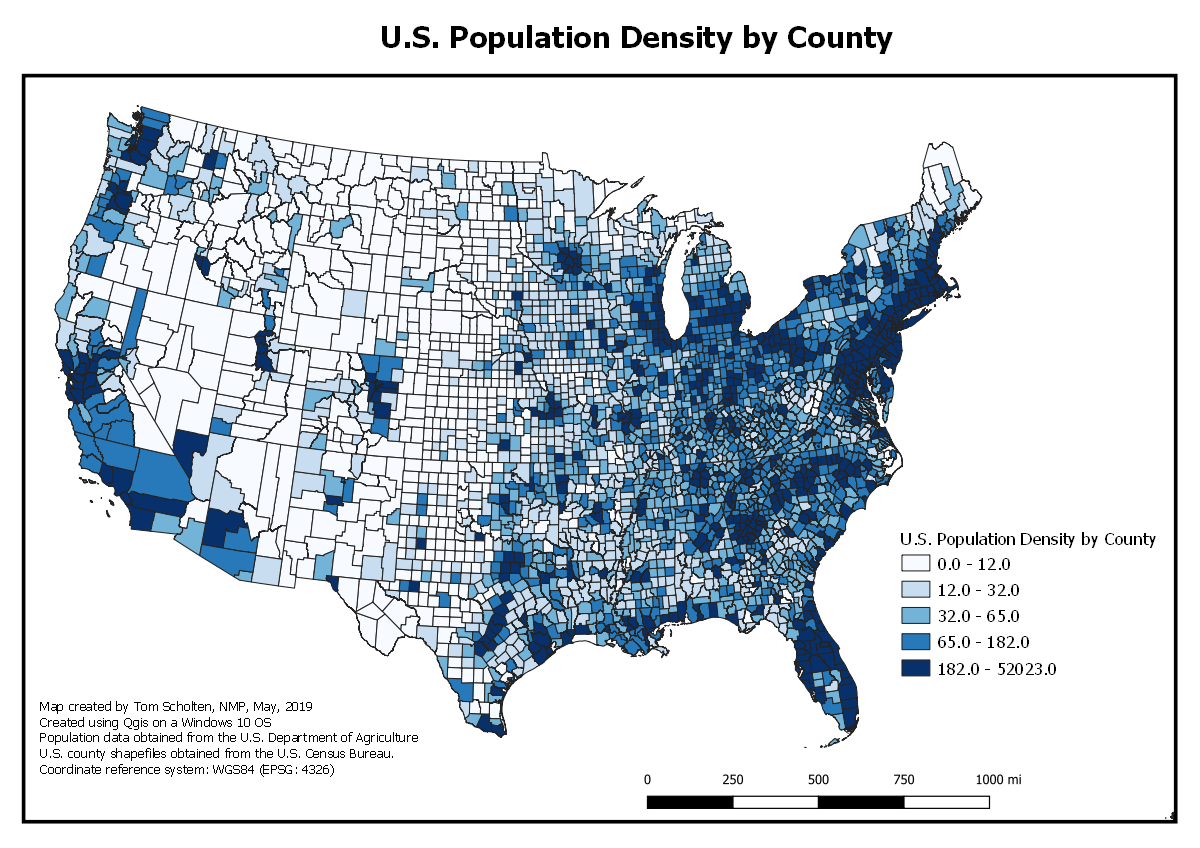
Map created by: Tom Scholten, NMP MAP 671
This project involved joining two files; one that contained geometry of the U.S. and U.S. counties (e.g. shapefile), but no data, with a table that contained numerous data fields, but no geometry. The two files were joined by pairing common fields, specifically geoid and fips fields and exported and saved as a GeoJSON file. Based on this newly created GeoJSON nfile, a choropleth map was created by selecting a graduated symbology in Qgis, and choosing a quantile classification with five categories. Time was invested creating the proper visual hierarchy for the maps and ensuring an attractive map product. Coordinate reference system used is North America Equal Area (EPSG: 102008). Data was used from the U.S. Department of Agriculture Economic Resource Service website (https://www.ers.usda.gov/data-products/county-level-data-sets/download-data.aspx) April 2018. Contact: Tim Parker, ERS/USDA, tparker@ers.usda.gov, (202) 694-5435. Include link(s) to the data source: .
Key lessons learned:
- See my projects on GitHub: New Maps Plus
- Visit my mapping portfolio.
- More information on world internet usage.
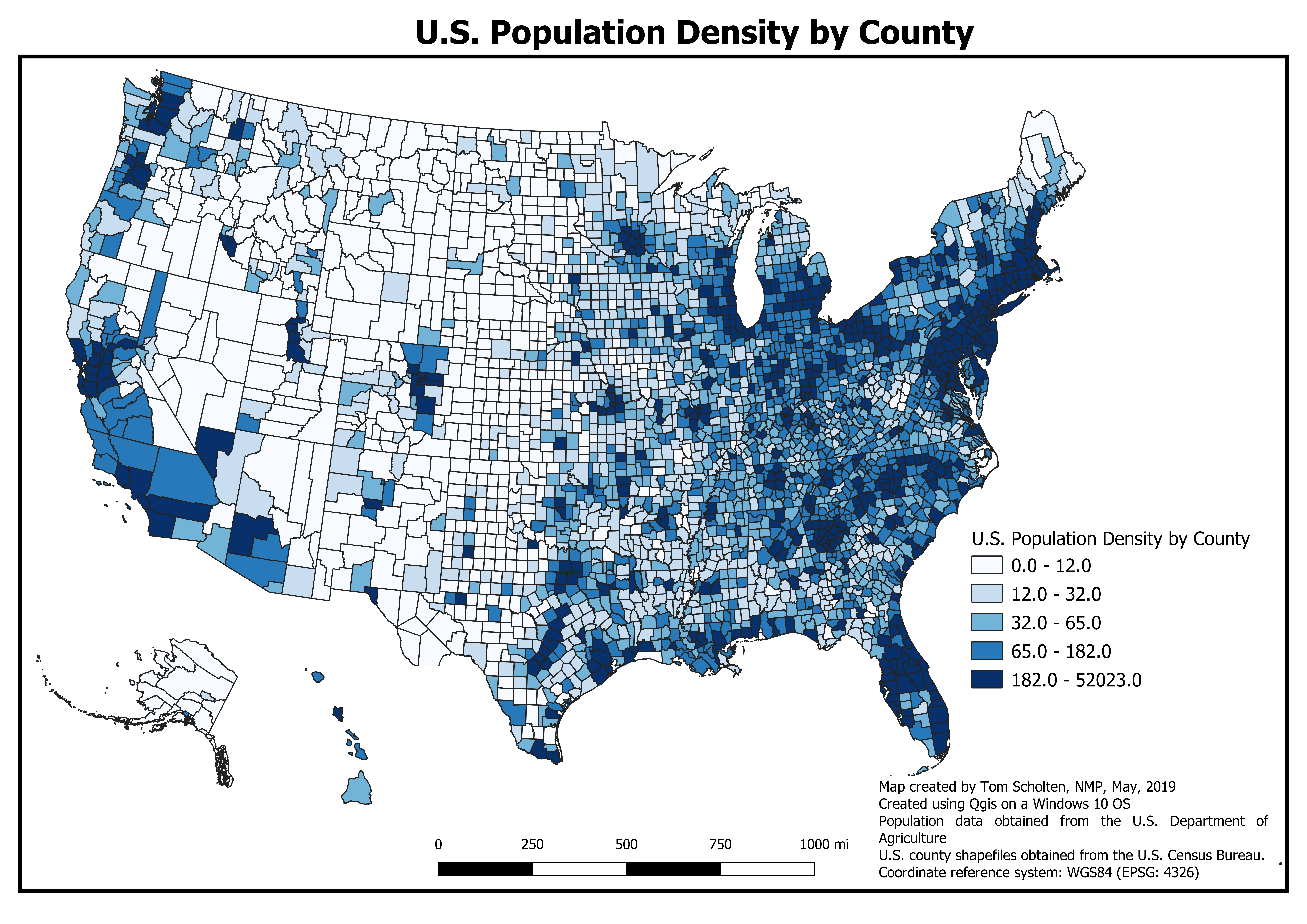
- Link to high resolution map
